Quick picks
The apps, compared
 01
Remini - AI Photo Enhancer
BENDING SPOONS OPERATIONS SPA
Best for: Blurry, grainy or low-resolution old photos
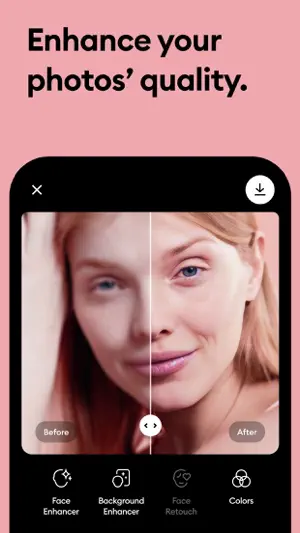
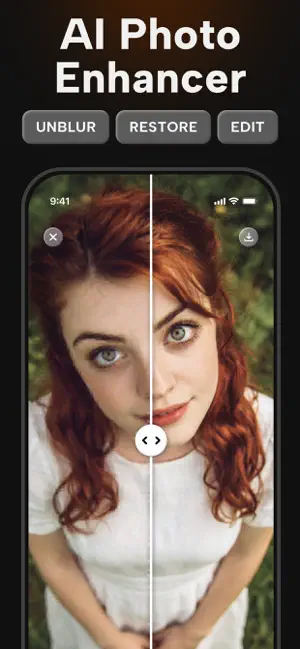
Remini calls itself one of the most popular photo enhancers in the world. Its listing says it turns grainy, pixelated, damaged or low-resolution photos into clear high definition in one tap.
- One-tap enhancement
- Fixes blur, grain and pixelation
- Over 350,000 ratings
 02
RetroFix - Old Picture Restore
Denys Shevchenko
Best for: Scratched, damaged or faded prints
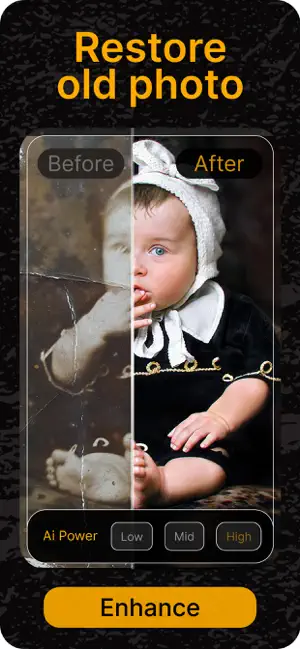
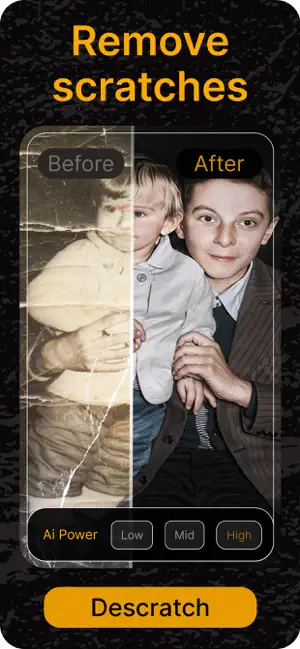
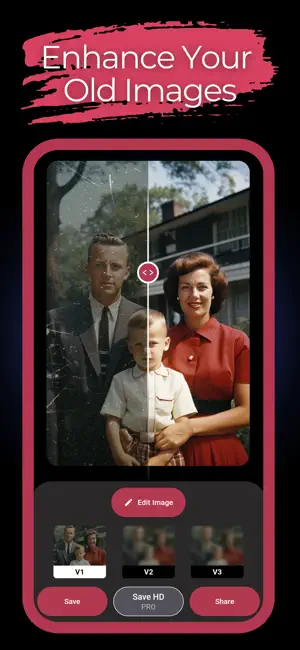
RetroFix focuses on old photo restoration: removing scratches, repairing damage and bringing life back to faded or black-and-white photos, according to its listing.
- Scratch and damage repair
- Works on faded and black-and-white photos
- Restoration-first app
 03
FixMyPics - Restore Old Photos
LOUPERKOS INVESTMENTS LTD
Best for: Fixing several problems with one app
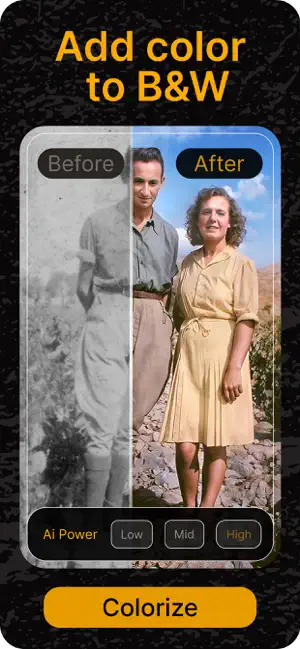
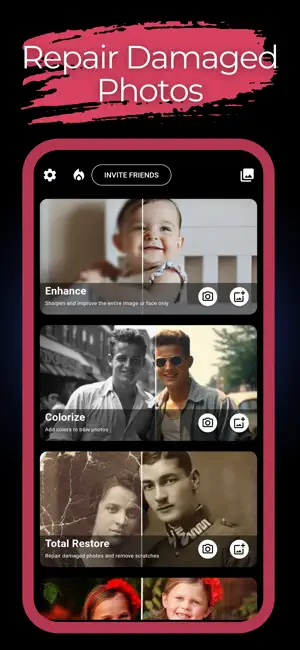
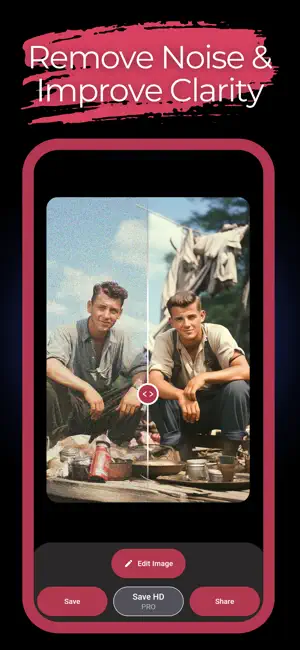
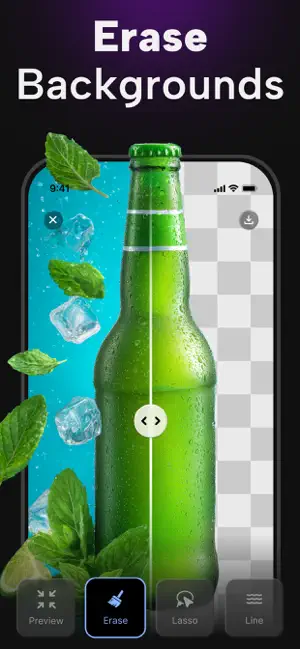
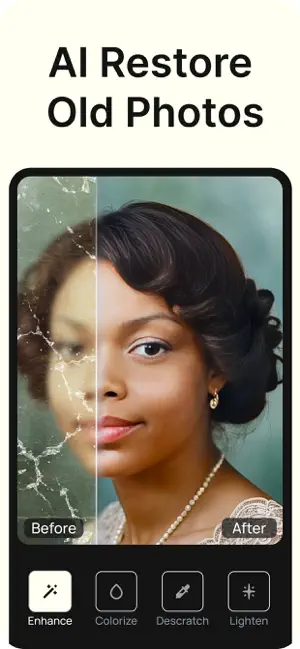
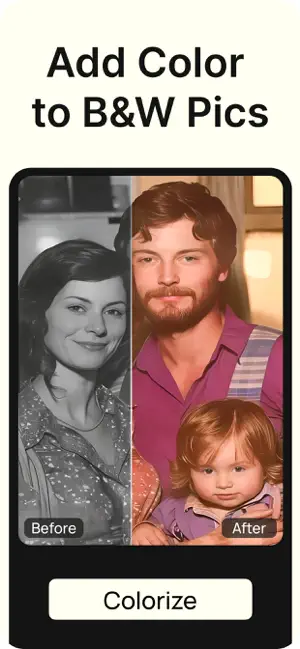
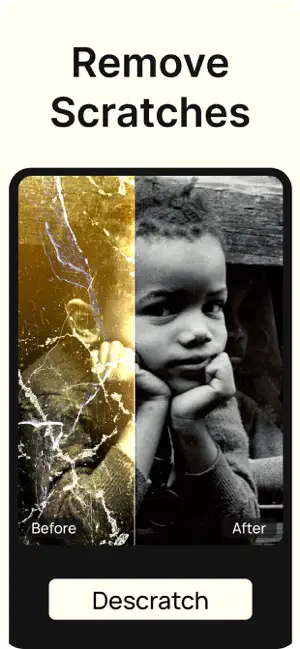
FixMyPics has three tools: colorize black-and-white or faded photos, restore (remove noise and the yellow tone, sharpen) and remove scratches.
- Colorize, restore and scratch removal
- Removes the yellow cast of old prints
- Simple three-option layout
 04
PhotoApp - AI Photo Enhancer
SCALEUP YAZILIM HIZMETLERI ANONIM SIRKETI
Best for: Sharpening and upscaling
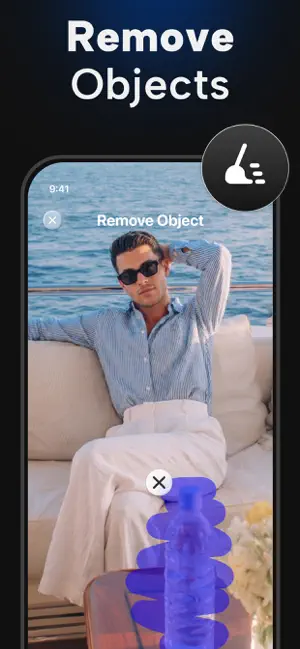
PhotoApp unblurs, restores and enhances photos, and its listing focuses on raising photo quality and resolution in one tap.
- Unblur and sharpen
- Higher resolution output
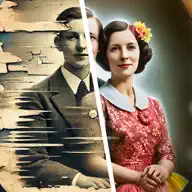
- Restore old photos in HD
 05
Renew - Restore Old Photos AI
Olena Dorohan
Best for: A focused restore app with a simple flow
Renew repairs scratches, fixes damage and improves clarity in old photos, according to its listing, aimed at people preserving family photos.
- Scratch and damage repair
- Clarity enhancement
- Made for family photos

How we chose
- Ratings on the US App Store and how many people left them
- Updated in the last year
- What the listing says it repairs: blur, scratches, fading, color
- Whether it also lets you edit, colorize or upscale afterwards
Descriptions come from each app's own App Store listing. Ratings, prices and update dates are from the US App Store on Oct 29, 2026, and may have changed since. App icons and screenshots belong to their developers and are shown to help you recognize each app. Nobody paid to be in this guide.
Tips
- Start with a good scan
- Restoration works best on a sharp, evenly lit copy. Scan the print or photograph it flat in daylight without glare.
- Keep the original
- Save the restored photo as a new copy. AI can change small details, so the original is your reference.
Questions
Can an app restore a badly damaged photo?
Apps usually handle blur, fading, scratches and small tears. Missing pieces of a photo are filled in by AI, so the result can look right but not match what was really there.
Is restoring a photo the same as colorizing it?
No. Restoring repairs damage and sharpens the photo. Colorizing adds color to a black-and-white photo. Some apps do both. See our guide to colorizing old photos.
Do these apps upload my photos?
Most AI restoration runs on the company's servers, so the photo is uploaded. Check each app's privacy details on the App Store before restoring personal photos.