Quick picks
 Best for facesRemini
 Best for a natural lookCitrus 1 Tap Photo Enhancer AI
 Best for fine controlLightroom Photo Editor & Video
 Best for video tooYouCam Enhance
The apps, compared
- 01
Remini - AI Photo Enhancer
BENDING SPOONS OPERATIONS SPA
Best for: Portraits, selfies and old photos of people
Remini turns grainy, pixelated or low-resolution photos into clear high definition in one tap. Its listing focuses on faces, from everyday selfies to old family photos.
- One-tap enhancement
- Strong on faces
- Over 350,000 ratings
- Premium is a weekly, monthly or yearly subscription
- 02
Lightroom Photo Editor & Video
Adobe Inc.
Best for: People who want to fine-tune the result themselves
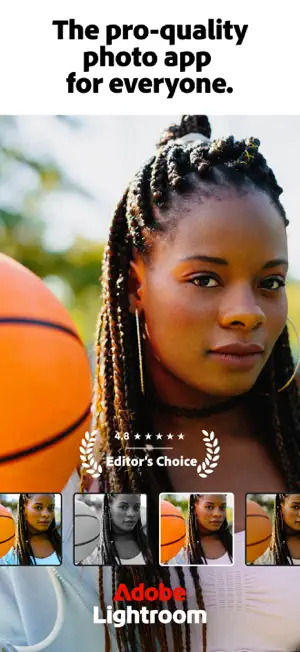
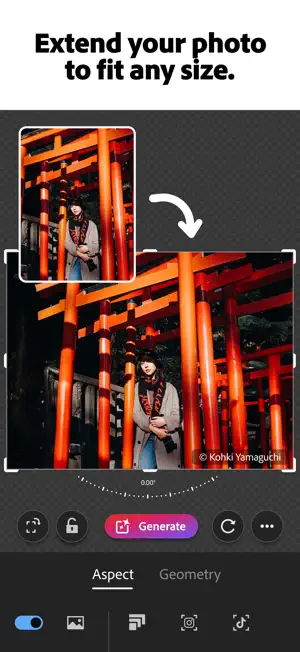
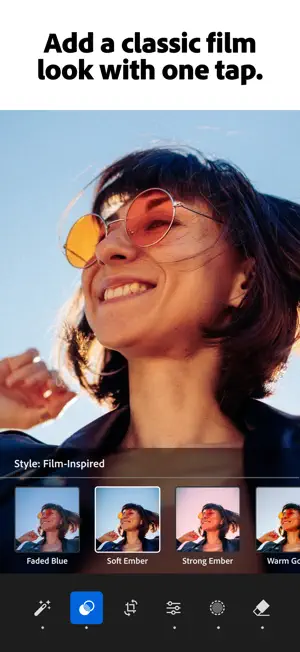
Adobe Lightroom is a free photo and video editor. One-tap Quick Actions and Adaptive Presets improve a photo in seconds, and you can then adjust light, color and detail by hand or erase distractions with Generative Remove.
- One-tap suggestions plus full manual editing
- Generative Remove object eraser
- Edits video too
 03
PhotoApp - AI Photo Enhancer
SCALEUP YAZILIM HIZMETLERI ANONIM SIRKETI
Best for: Blurry or low-resolution photos you want in HD
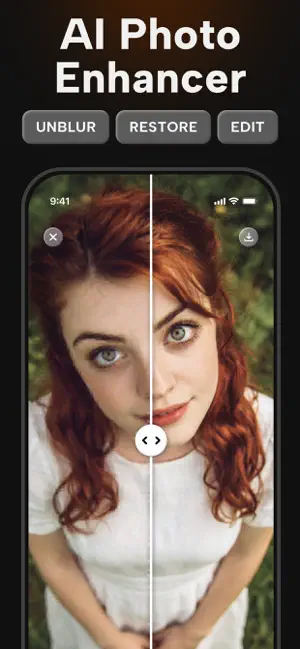
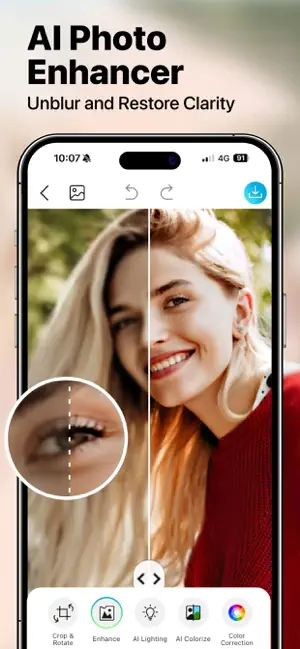
PhotoApp unblurs, restores and upscales photos to HD in one tap, and can colorize faded old pictures, according to its listing.
- Unblur and sharpen
- Upscale resolution
- Restore and colorize old photos
- Premium features use an auto-renewing subscription
 04
Meitu: Photo & Video Editor
Meitu Technology Co., Ltd.
Best for: Selfies you also want to retouch
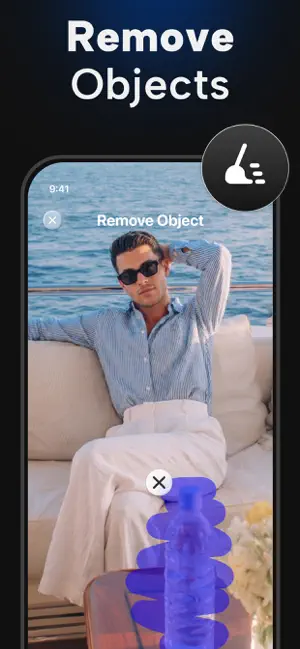
Meitu is an all-in-one photo and video editor. Its Photo Enhancer fixes blur and restores HD clarity, next to beauty retouching, an object remover and retro camera filters.
- Photo Enhancer for blur and clarity
- Beauty retouch and face edits
- Object remover
- 05
Citrus 1 Tap Photo Enhancer AI
Wemagine.ai LLP
Best for: A subtle improvement that still looks like your photo
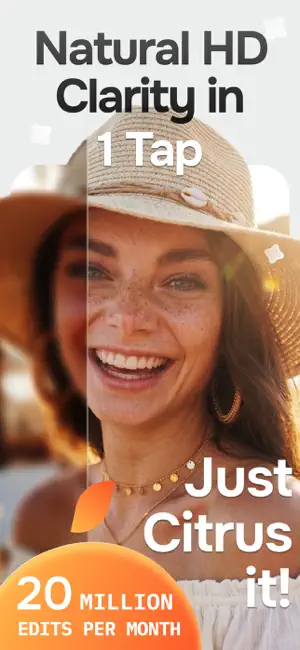
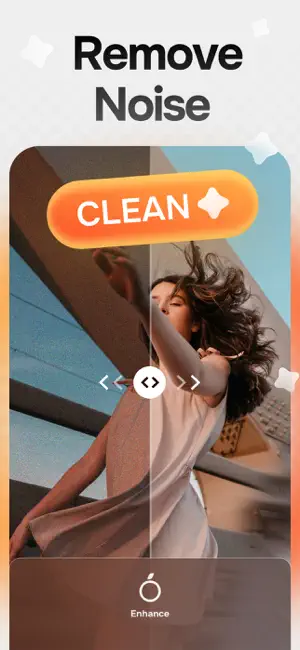
Citrus improves clarity, detail, color and sharpness in one tap, and its listing stresses natural results without heavy filters or a fake look. It also reduces noise and upscales low-resolution photos.
- Natural, subtle enhancement
- Noise reduction and upscaling
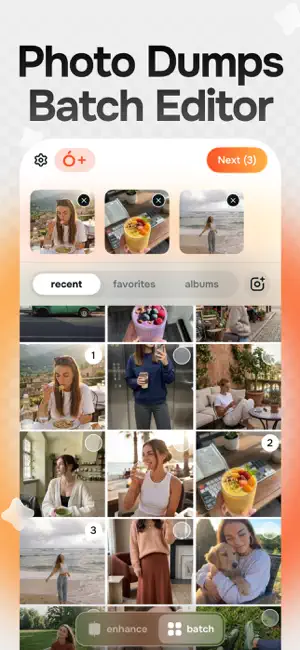
- Batch processing with Plus
- Citrus Plus (weekly or yearly) removes watermarks and ads and unlocks unlimited enhancements
- 06
YouCam Enhance: AI Photo&Video
PERFECT MOBILE CORP.
Best for: Enhancing videos as well as photos
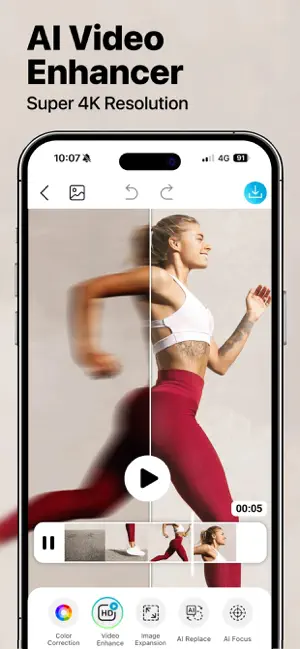
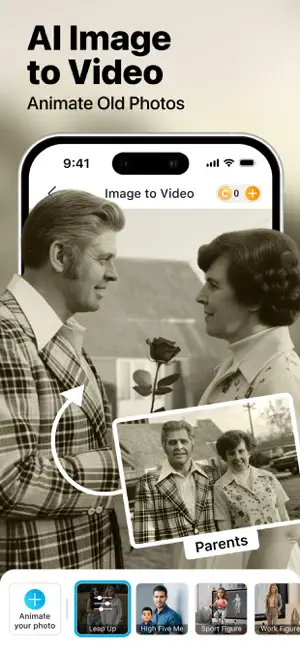
YouCam Enhance sharpens and upscales photos and videos up to 4K. Its Scenario Mode enhances a batch of photos and picks the best mode for each, and it also repairs scratches and colorizes old photos.
- Photo and video up to 4K
- Batch enhance with Scenario Mode
- Scratch repair and colorize

How we chose
- Enhancing photo quality is a main feature in the listing
- Ratings on the US App Store and how many people left them
- Updated in the last year
- What it does beyond one tap: editing, upscaling, video
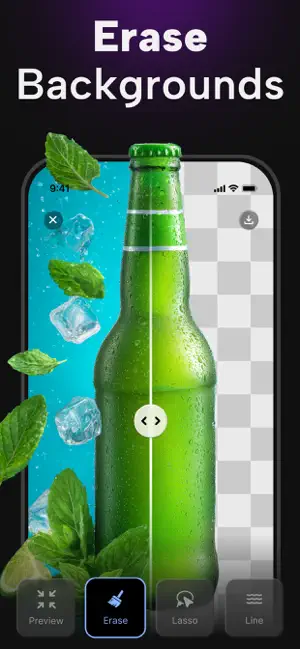
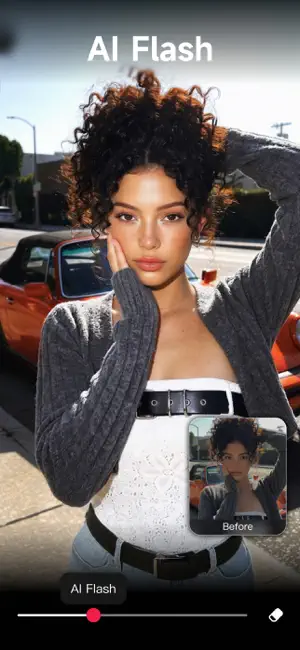
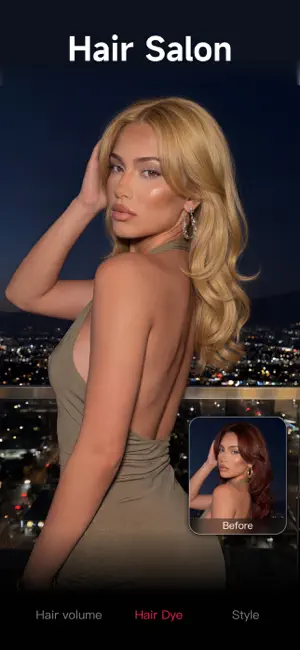
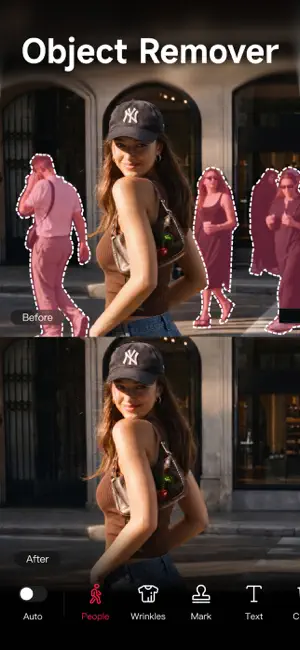
Descriptions come from each app's own App Store listing. Ratings, prices and update dates are from the US App Store on Oct 29, 2026, and may have changed since. App icons and screenshots belong to their developers and are shown to help you recognize each app. Nobody paid to be in this guide.
Tips
- Start from the best original
- Enhance the sharpest version you have. AI adds detail by guessing, so a better starting photo means less guessing.
- Zoom in on faces
- Compare eyes, teeth and hair with the original before you share. If a face looks like someone else, try a gentler app or a lower strength.
- Save a copy
- Save the enhanced photo as a new file and keep the original. You may want to try another app later.
Questions
What does an AI photo enhancer do?
It sharpens detail, removes noise and grain, and raises resolution using AI trained on many photos. It works best on faces and small amounts of blur.
Do photo enhancers upload my photos?
Most do, because the AI runs on the company's servers. Check the privacy details on each App Store page before enhancing personal photos.
Are AI photo enhancers free?
Most are free to download with limited free use. Unlimited use, full resolution or no watermark usually needs a subscription, so check before you pay.