 ScreenKitby Nimbusfold
Raw captures in. Store screenshots out.
Turn plain screenshots of your app into finished App Store and Google Play sets, in every size and about 80 languages, right on your iPhone or iPad.
- iPhone and iPad
- Free, with optional Pro
- About 80 languages
How it works
From captures to a store-ready set.
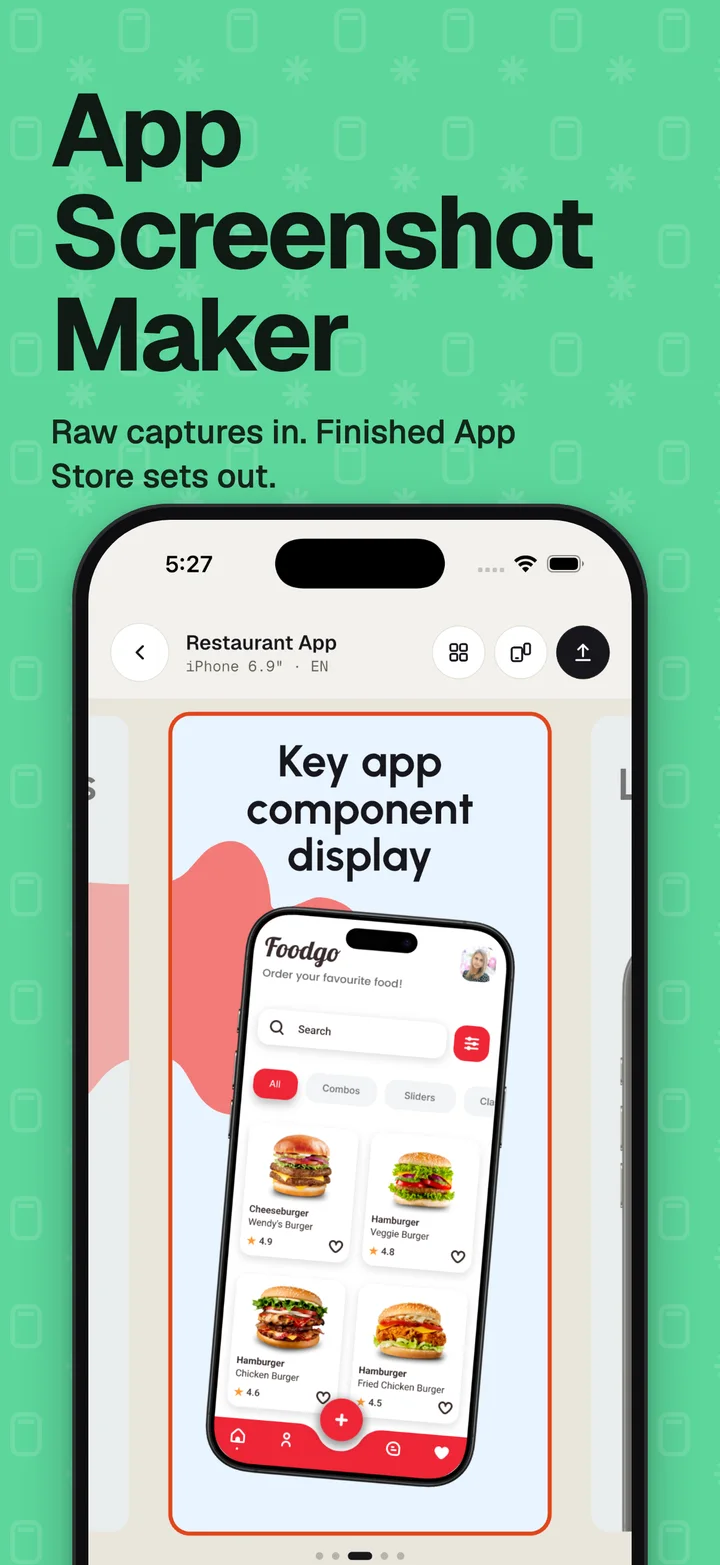
Add captures
Pick plain screenshots of your app from Photos or Files. Each one becomes a screen with a starter caption.
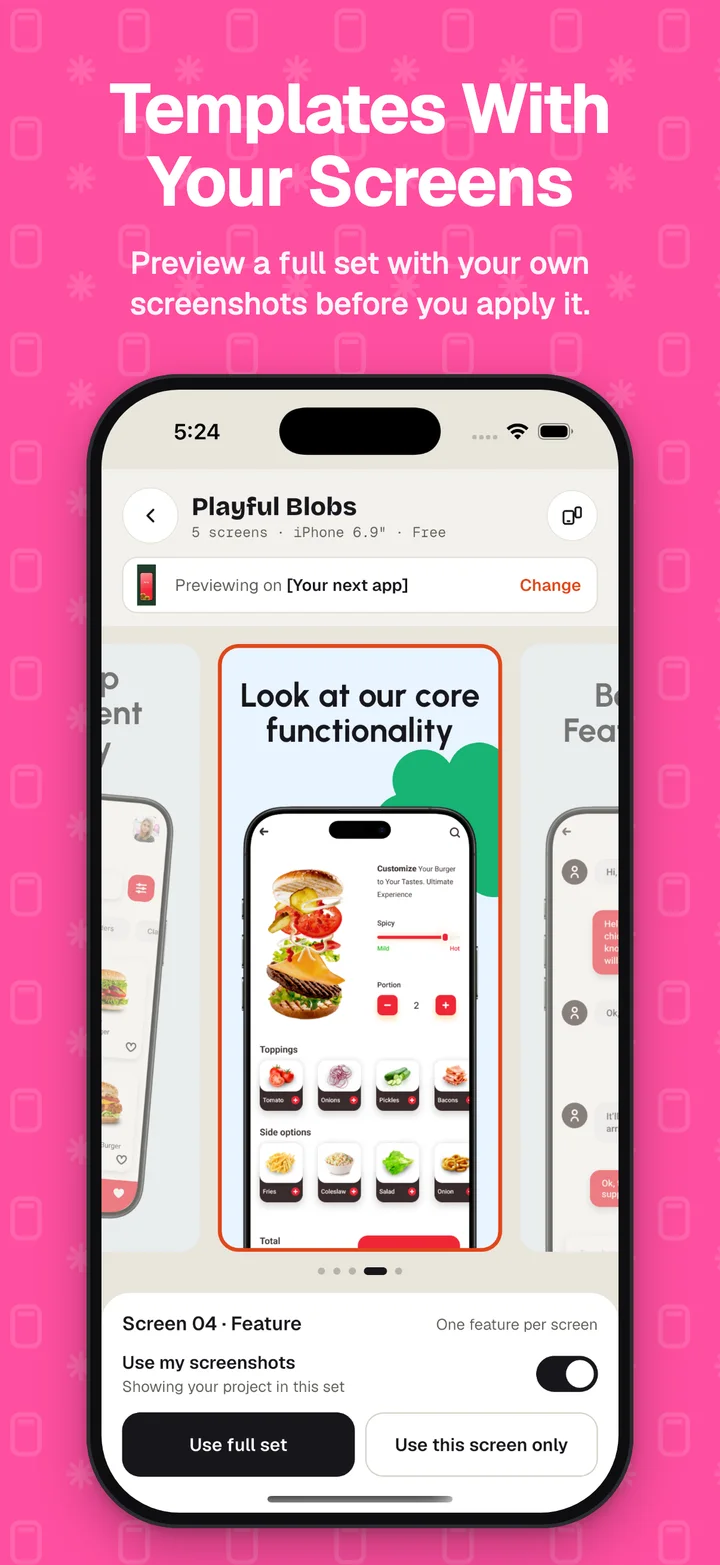
Pick a template
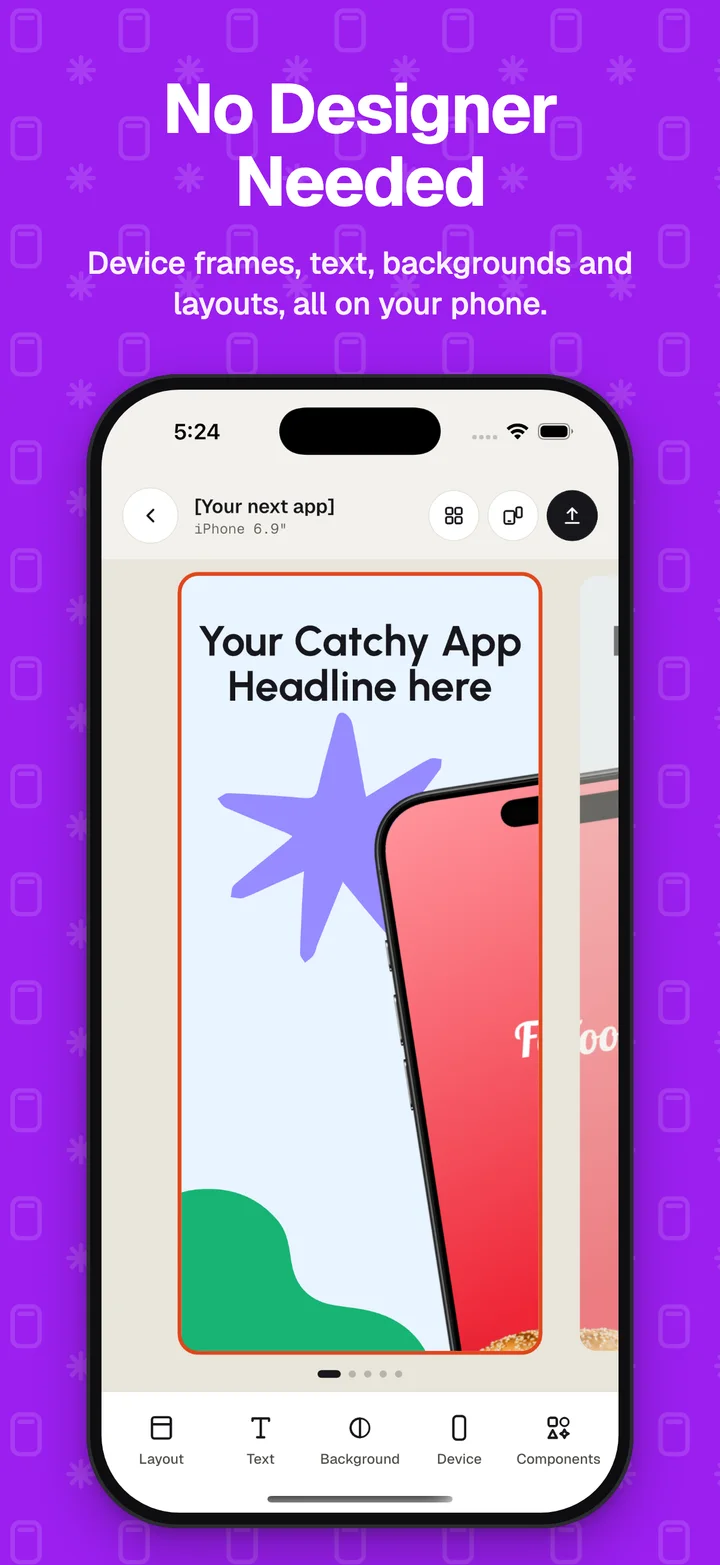
Preview any template with your own screenshots first, or style each screen yourself: layout, text, background, device frame and stickers.
Add languages
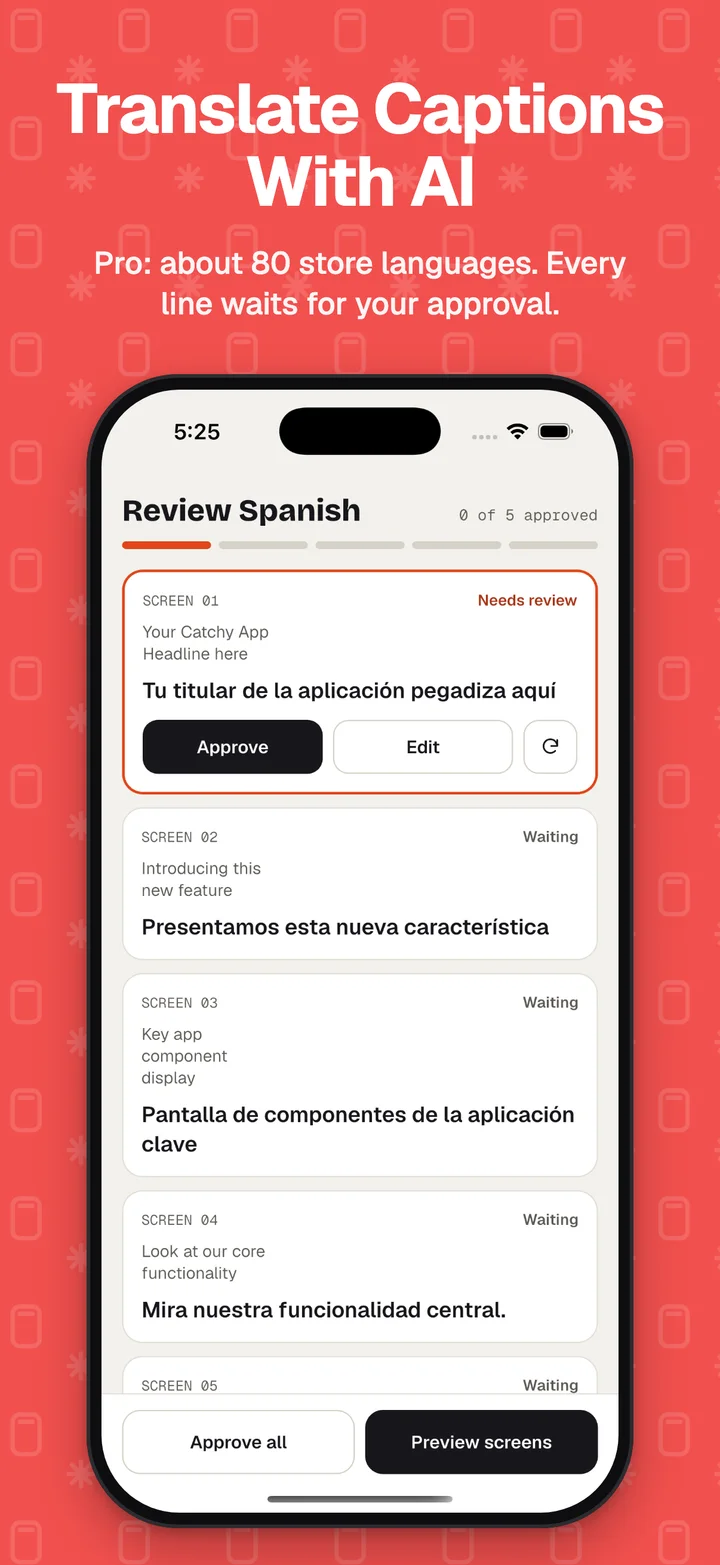
Choose from about 80 store languages. Type your captions or translate them with AI, then approve each line.
Export or upload
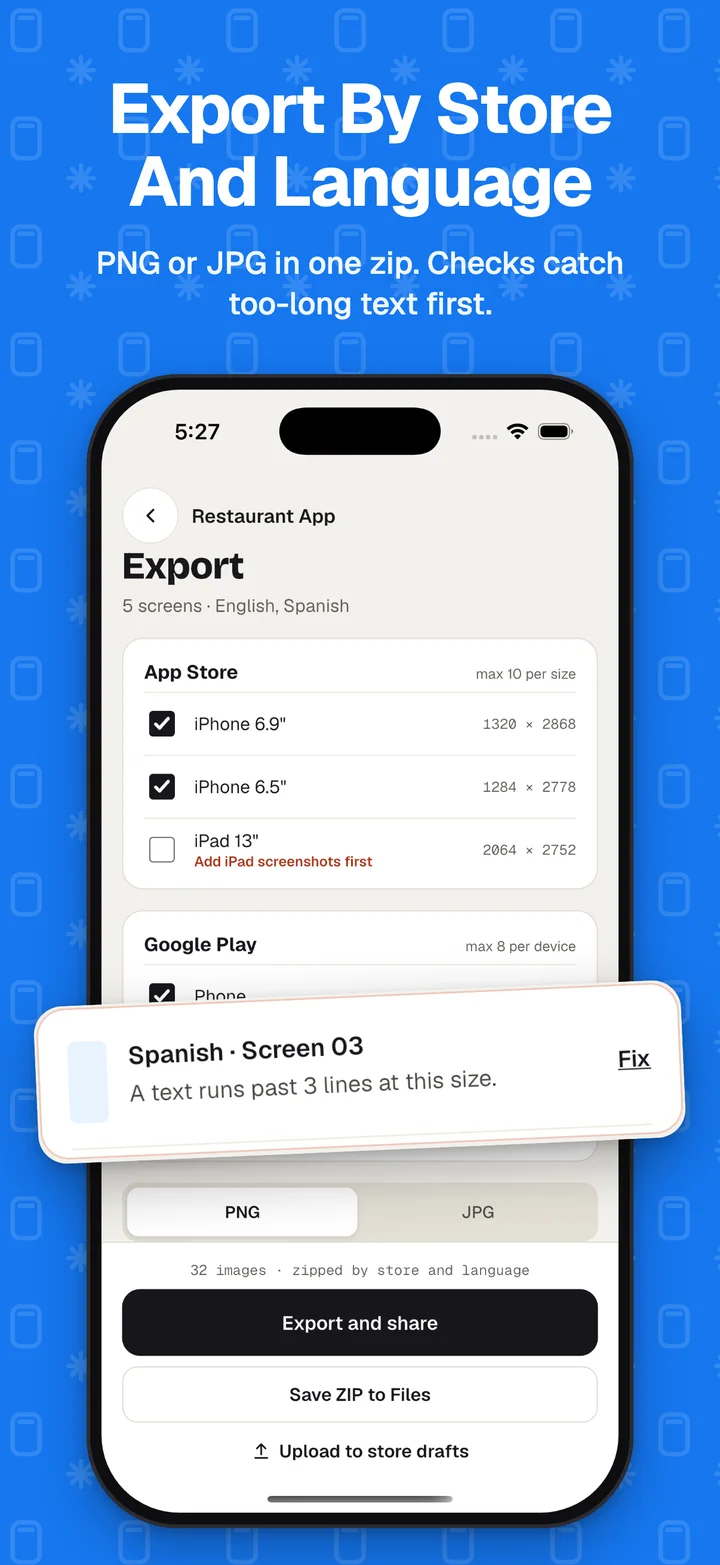
Export PNG or JPG by store and language, or send them straight to your App Store Connect and Google Play drafts.
Features
Every store size, every language.
Uploads go to drafts only. ScreenKit never submits your app for review.
15 templates
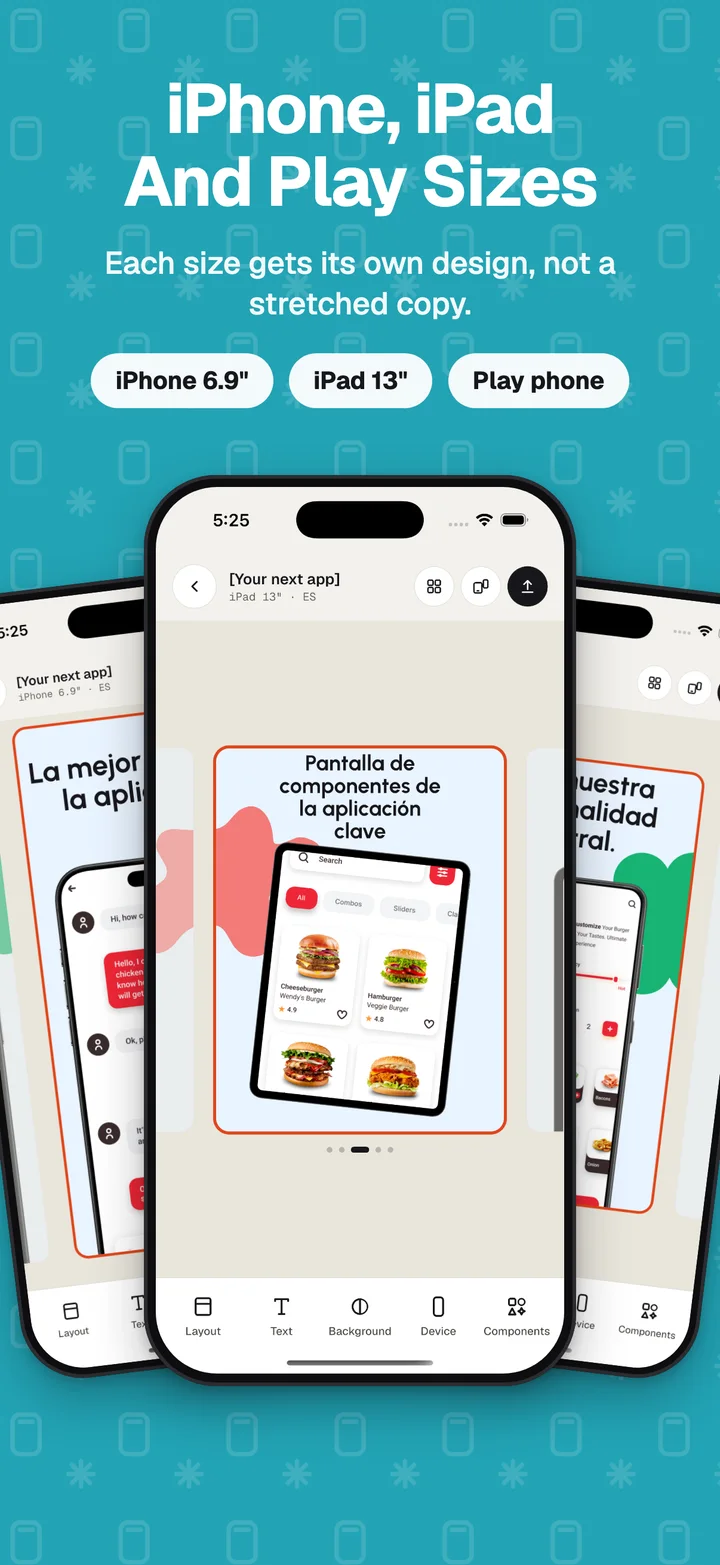
Ten free and five Pro, each with its own iPhone, iPad and Android layouts, not a stretched copy.
Every store size
iPhone 6.9″ and 6.5″, iPad 13″, Google Play phone, 7″ and 10″ tablets, and the 1024 × 500 feature graphic.
A full editor
Device frames, text with gradients and outlines, backgrounds, patterns, stickers, picture grids and panorama spreads.
About 80 languages
Per-language captions and screenshots. Export checks catch empty or too-long text before you export.
Brand kit
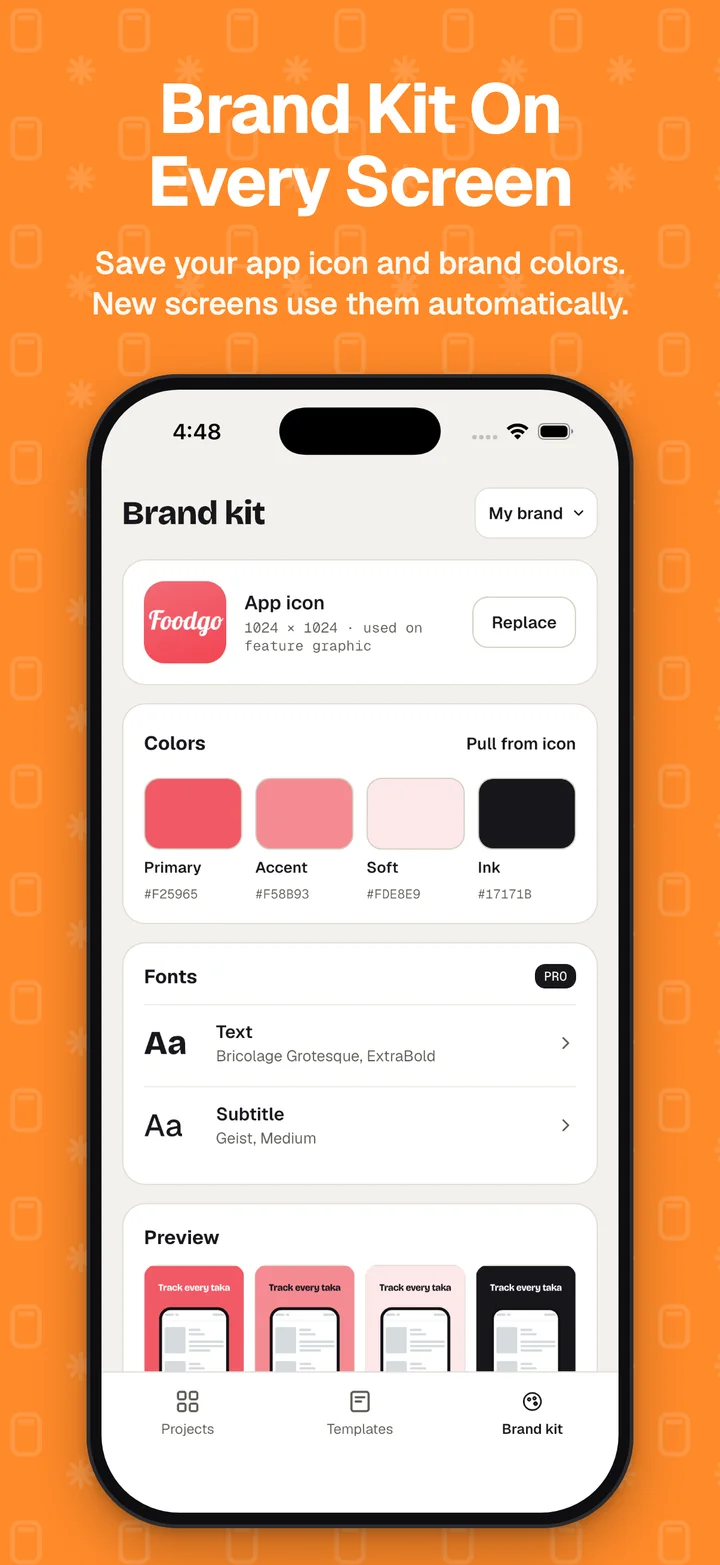
Save your app icon, logo, brand colors and fonts, and new screens use them automatically.
Upload to store drafts
Sends finished screenshots to App Store Connect and Google Play drafts with your own keys. It never submits for review.
Free and Pro
Start free. Go Pro when you ship.
Pro is a monthly or yearly subscription, or a one-time lifetime purchase. The app shows every price before you pay.
- 5 projects
- 10 templates
- Every editor tool, size and language
- Exports carry a small "Made with ScreenKit" badge
- Unlimited projects
- 5 Pro templates
- No badge on exports
- AI translation
- Store uploads
- Custom brand fonts
No ads in either version. Cancel a subscription any time in your App Store settings.
What leaves your device
Your projects stay on your device.
- Projects, screenshots, texts and brand kits are saved on your device. We don't upload them to our servers and don't have a copy. There is no account.
- Screenshots go to Apple or Google only when you upload, with your own key.
- Crash reports and usage events help us fix the app. Read the privacy policy for the full list.
Questions
Do I need an account?
No. There are no accounts. Your projects, screenshots and texts stay on your device.
Is ScreenKit free?
Yes, to download and use. You get 5 projects, 10 templates, every editor tool, size and language, with a small "Made with ScreenKit" badge on exports. ScreenKit Pro adds unlimited projects, the Pro templates, no badge, AI translation, store uploads and custom brand fonts. The plans and their prices are shown in the app before you pay.
Does it show ads?
No. ScreenKit has no ads and does not use advertising identifiers.
How does translation work?
On iPhone and iPad, captions are translated on your device with Google ML Kit, which downloads each language model the first time. Your screenshots are never sent. Every translated line stays marked until you approve or edit it. Your first translation is free; after that it is part of Pro.
Does ScreenKit submit my app for review?
No. Upload only places screenshots in your store listing drafts. You check the draft and submit it yourself.
Where is my store key kept?
Only in your device's secure storage (the Keychain on iPhone and iPad). It is sent only to Apple or Google, never to us, and you can replace or remove it in Settings.
When can I get it?
ScreenKit for iPhone and iPad is in App Store review now. Android and Mac versions come later.