Quick picks
 Best overallPassport Booth
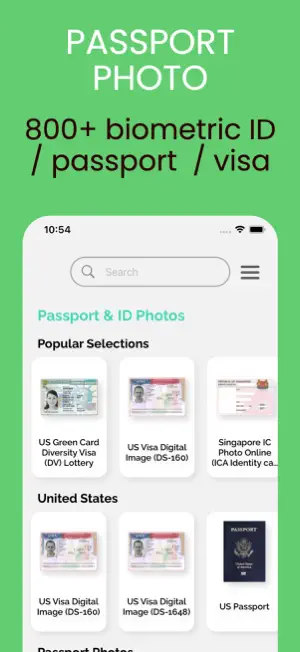
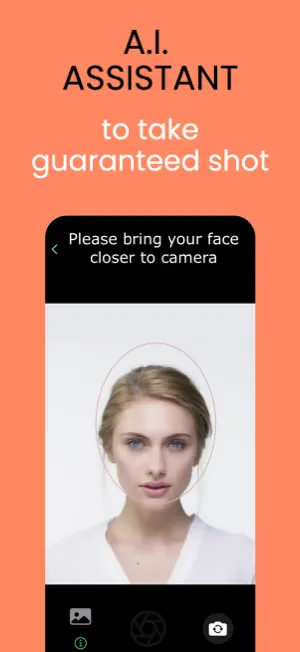
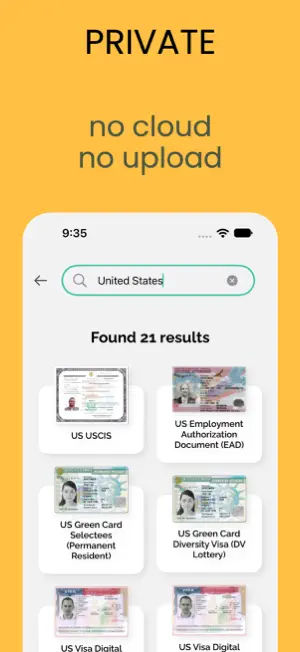
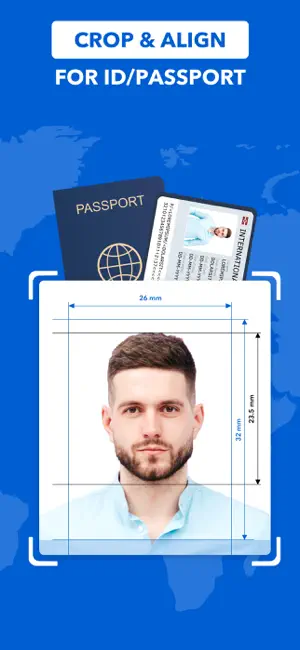
 Best for a human checkPassport Photo
 Best for many countriesPassport Photo
 Best for US online renewalPassport Photo · ID Maker
The apps, compared
- 01
Passport Booth
TAPUNIVERSE LLC
Best for: Most people who want one app that guides every step
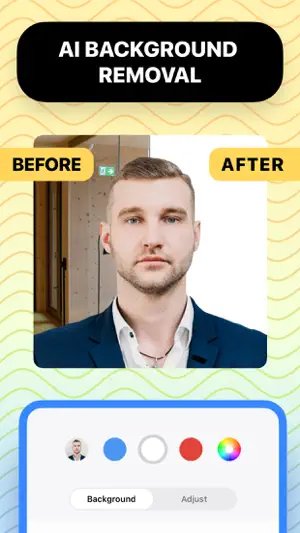
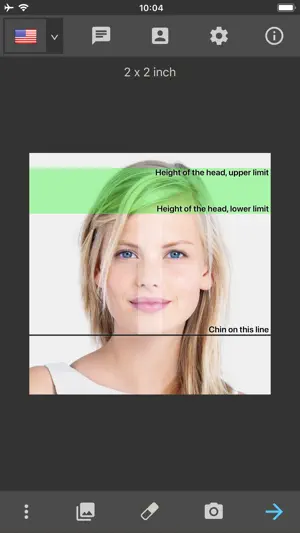
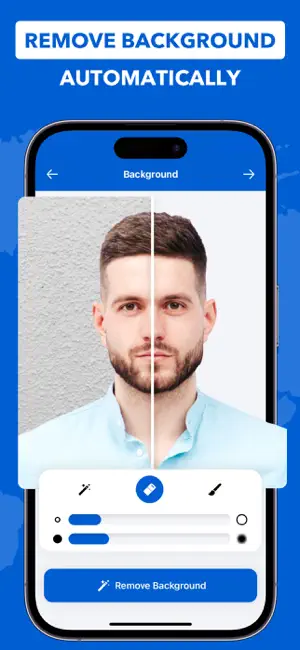
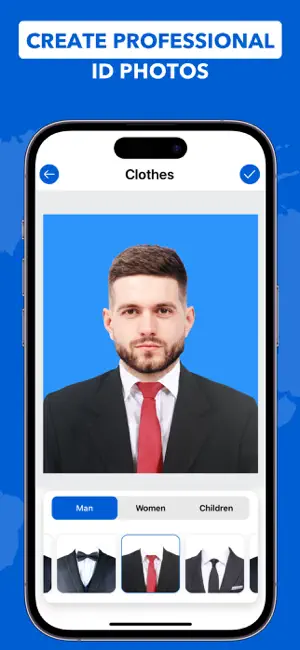
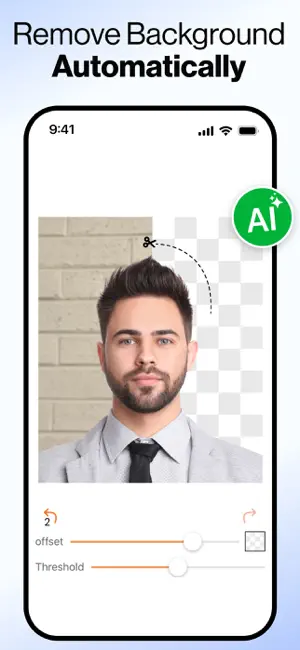
Passport Booth walks you through five steps: take or import a photo, pick the country and document, align it to visual guides, clean up the background and export. Its listing covers passport, ID and license photos for 150+ countries and 500+ document types.
- Visual guides for head size and position
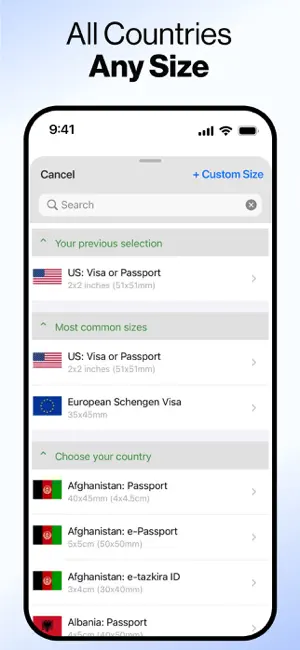
- 150+ countries, 500+ document types
- Automatic background removal
- 02
Passport Photo - PhotoAiD
PhotoAiD S.A.
Best for: People who want a person to check the photo before they rely on it
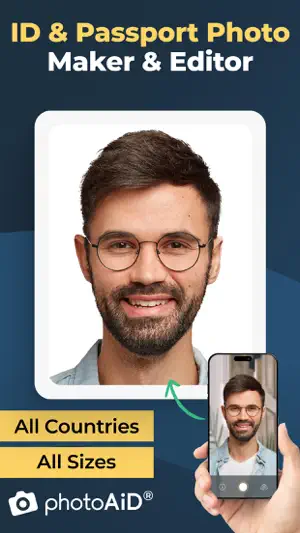
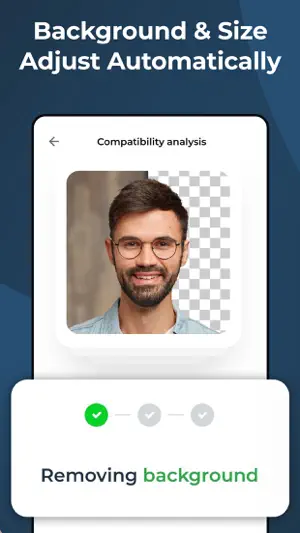
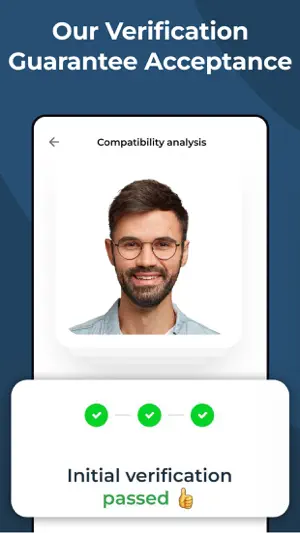
PhotoAiD converts a selfie into a passport-size photo, and its listing says photo experts verify each photo in real time. It covers passports, IDs, visas, Green Cards, student cards and driver's licenses, including baby and newborn photos.
- Human expert verification (per the listing)
- Baby and newborn photo support
- Many document types beyond passports
- 03
Passport Photo - ID Photo
Vitalij Schaefer
Best for: Travelers and expats who need photos for different countries
Passport Photo - ID Photo has templates for 100 countries plus more than ten job application photo formats. It replaces the background with plain white, and its listing says 125 extra backgrounds unlock with a one-time in-app purchase.
- Templates for 100 countries
- Job application photo formats
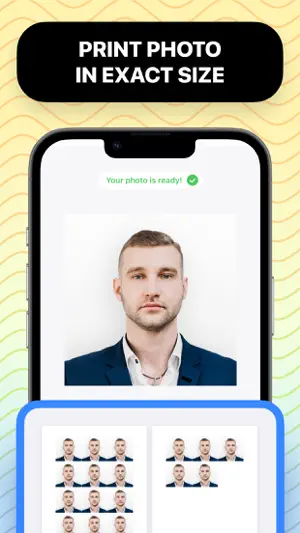
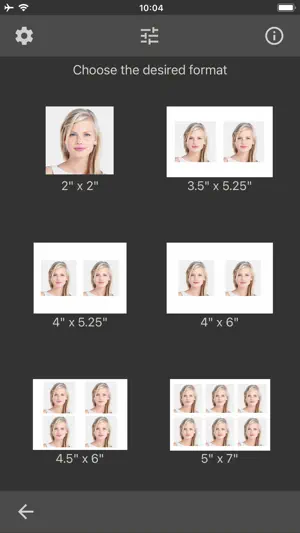
- Prints several photos on one sheet
- Extra backgrounds need a one-time in-app purchase
- 04
Passport Photo · ID Maker
Appable Yazilim Hizmetleri Limited Sirketi
Best for: US applicants renewing online
Passport Photo · ID Maker says it applies the US background rules and resizes the image for paper forms or the US online passport renewal (DS-82) portal, and recognizes which size your document needs.
- Built around US rules and online renewal
- Picks the right size for the document
- Auto crop and resize
 05
ID Photo - Passport Photo App
Maxima Apps
Best for: A quick photo with manual control over the edit
ID Photo - Passport Photo App offers 100+ document types across 8 countries, automatic background removal and guidelines for taking the photo, plus manual editing of brightness, contrast and saturation.
- Guidelines while you take the photo
- Manual adjustments
- 100+ document types
- Covers 8 countries, fewer than most apps here
 06
Passport Photo - ID Photo App
Yarsa Labs
Best for: Saving money on prints
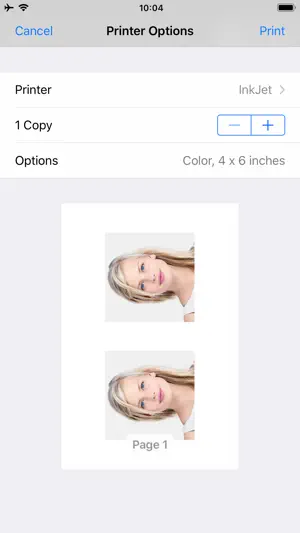
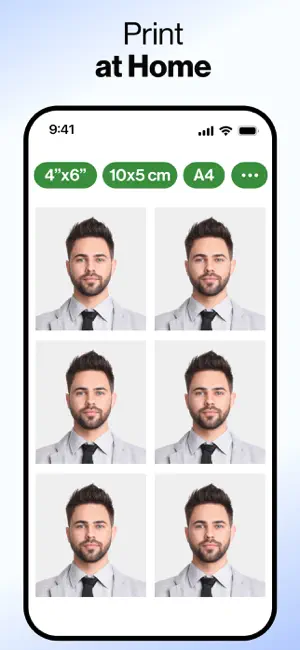
Passport Photo - ID Photo App removes the background and arranges several passport, ID or visa photos on one sheet (3x4, 4x4, 4x6, 5x7 or A4) so a local print service can print them together.
- Several photos on one print sheet
- Common print sizes
- Works for baby photos taken at home
How we chose
- Ratings on the US App Store and how many people left them
- Updated in the last year, since photo rules and phones change
- What the listing says it checks: size, background, head position
- How you get the photo out: digital file, print sheet or print order
Descriptions come from each app's own App Store listing. Ratings, prices and update dates are from the US App Store on Oct 29, 2026, and may have changed since. App icons and screenshots belong to their developers and are shown to help you recognize each app. Nobody paid to be in this guide.
Tips
- Know the US rules
- A US passport photo is 2 x 2 inches, on a plain white or off-white background, taken in the last 6 months, with no glasses.
- Light matters more than the app
- Face a window with soft daylight and keep shadows off your face and the wall behind you. No app can fully fix harsh shadows.
- Print at the right size
- Print at 100% scale. A print shop or a 4x6 sheet from a photo kiosk is usually cheaper than buying printed photos in an app.
Questions
Can I take my own US passport photo with an iPhone?
Yes. The US Department of State accepts photos you take yourself if they meet its size, background and quality rules, so a careful home photo plus a passport photo app can work.
Do these apps guarantee my photo will be accepted?
Some listings promise acceptance or a guarantee, but the final decision is made by the passport agency. Check the photo against the official rules before you submit it.
Are these apps free?
All of them are free to download. Most charge for the final photo, extra backgrounds or prints through in-app purchases, so check the price before you pay.
Sources: US Department of State: passport photo requirements