Quick picks
 Best for newbornsPassport Photo
 Best for cheap printsPassport Photo
 Best for retakes until it passesSmartphone iD
The apps, compared
- 01
Passport Photo - PhotoAiD
PhotoAiD S.A.
Best for: Newborns and infants, with a person checking the photo
PhotoAiD's listing says it supports baby passport photos, including the infant and newborn requirements. AI prepares the photo, then a human photo expert double-checks it before you download it or order prints.
- Infant and newborn photo support
- AI check plus a human expert check (per the listing)
- Digital photo or printed photos delivered
- 02
Passport Photo - ID Photo App
Yarsa Labs
Best for: Taking the photo at home and printing it at a local shop
Passport Photo - ID Photo App says you can take your baby's passport photo at home, then arrange several copies on one 3x4, 4x4, 4x6, 5x7 or A4 sheet to print at a service like Walgreens Photo.
- Mentions baby photos taken at home
- Several photos on one print sheet
- Standard paper sizes for free
- 03
Smartphone iD - Passport photo
smartphone id
Best for: Parents who expect a few failed tries
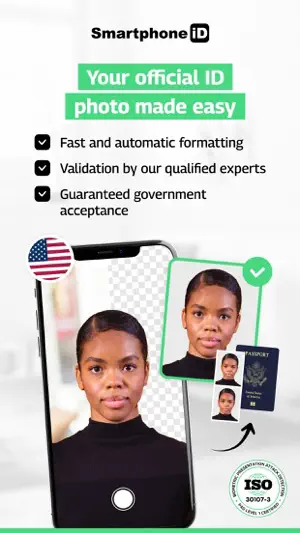
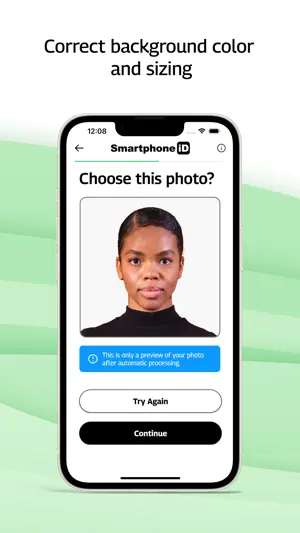
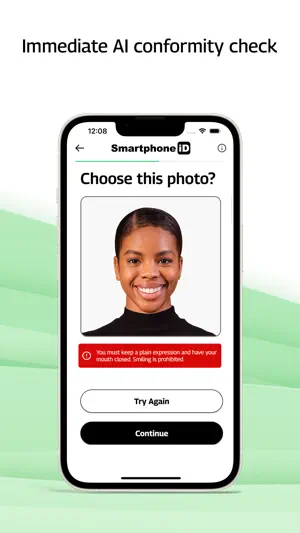
Smartphone iD guides you step by step, then checks the photo with AI and a human expert. Its listing offers unlimited retakes until the photo is approved, and you get the verified photo by email or order prints.
- Unlimited retakes until approved
- AI plus human expert review
- Track your order in the app
 04
Passport Photo-ID Photo Cutout
Zane Inc.
Best for: Baby ID photos for many countries
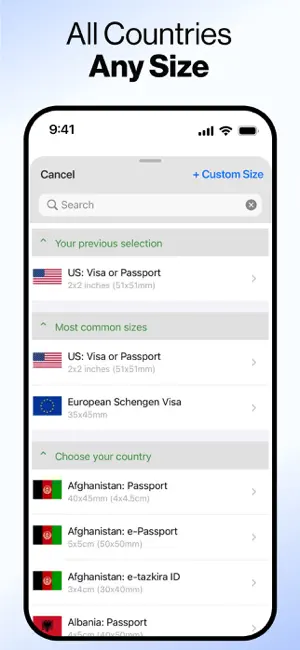
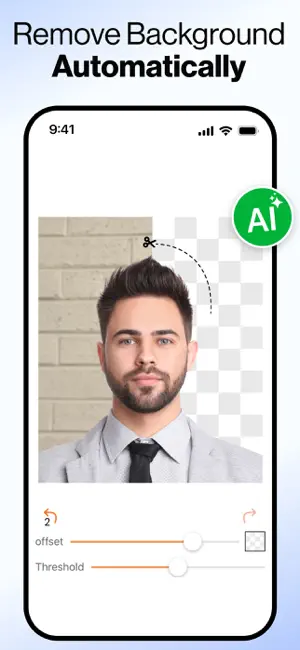
Passport Photo-ID Photo Cutout lists baby ID photos among its uses and offers passport, visa and ID sizes for more than 200 countries, with standard print paper sizes.
- Lists baby ID photos
- 200+ countries
- Print paper sizes included
- Full access is a weekly, monthly or yearly subscription
How we chose
- The listing says the app handles baby, infant or newborn photos, or lets a person check the result
- Ratings on the US App Store and how many people left them
- Updated in the last year
- How you get the photo out: digital file, print sheet or print order
Descriptions come from each app's own App Store listing. Ratings, prices and update dates are from the US App Store on Oct 29, 2026, and may have changed since. App icons and screenshots belong to their developers and are shown to help you recognize each app. Nobody paid to be in this guide.
Tips
- Use a white sheet
- Lay your baby on their back on a plain white or off-white sheet and shoot from straight above. For an older baby, cover a car seat with the sheet and seat them in it.
- No one else in the photo
- No other person can be in the photo, so keep your hands, arms and shadow out of the frame. Prop the baby with the sheet, not your hand.
- Soft daylight, many shots
- Stand near a window, avoid the flash and take a burst of photos. One of them will have your baby facing the camera with no shadows on their face.
Questions
Does a newborn need a passport photo?
Yes. Every US passport application needs a photo, whatever the child's age, and it follows the same 2 x 2 inch size and plain white or off-white background rules.
Do my baby's eyes have to be open?
Try for open eyes. State Department guidance says it is acceptable if an infant's eyes are not fully open, but older children must have their eyes open.
Can I hold my baby for the photo?
Not in the frame. No other person can appear in the photo, so lay your baby on a white sheet or use a car seat covered with one instead.
Will an app guarantee the photo is accepted?
No app decides that. The passport agency does. A human check, like the ones some of these apps offer, lowers the risk of a rejected photo.
Sources: US Department of State: passport photo requirements, US Department of State: visa photo requirements (babies)