Quick picks
 Best for blurry facesRemini
 Best for a natural lookCitrus 1 Tap Photo Enhancer AI
 Best for motion blurPhotoBoost
The apps, compared
- 01
Remini - AI Photo Enhancer
BENDING SPOONS OPERATIONS SPA
Best for: Blurry faces in portraits and group photos
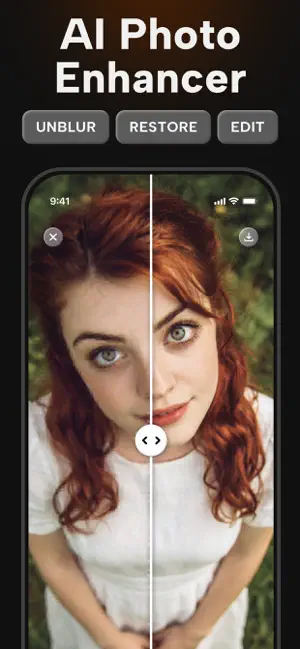
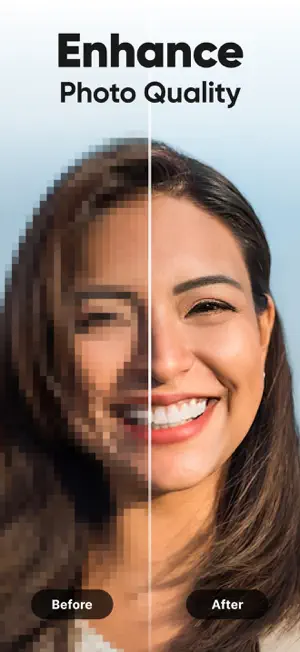
Remini turns blurry, grainy or low-resolution photos into clear high definition in one tap, and is strongest on faces.
- One-tap unblur
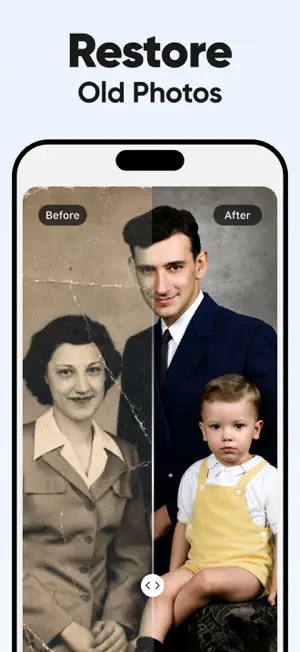
- Repairs old and scratched photos too
- Over 350,000 ratings
- Premium is a weekly, monthly or yearly subscription
 02
PhotoApp - AI Photo Enhancer
SCALEUP YAZILIM HIZMETLERI ANONIM SIRKETI
Best for: Out-of-focus photos you want in higher resolution
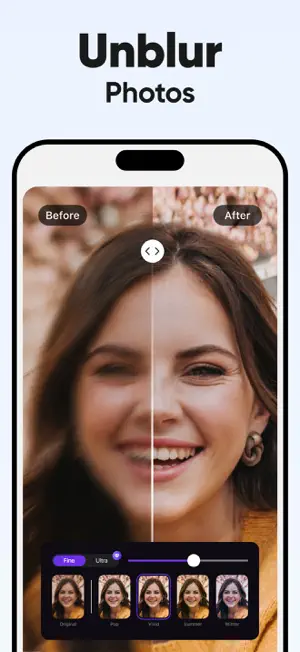
PhotoApp reduces blur in portraits, selfies and group photos and upscales them to HD, according to its listing.
- Sharpens out-of-focus pictures
- Upscales to HD
- Works on recent and old photos
- Premium features use an auto-renewing subscription
- 03
Citrus 1 Tap Photo Enhancer AI
Wemagine.ai LLP
Best for: Slightly soft photos that need a light touch
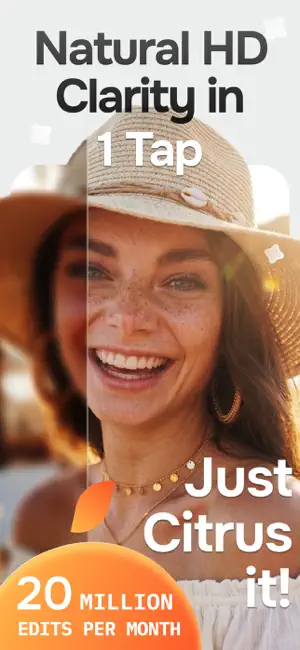
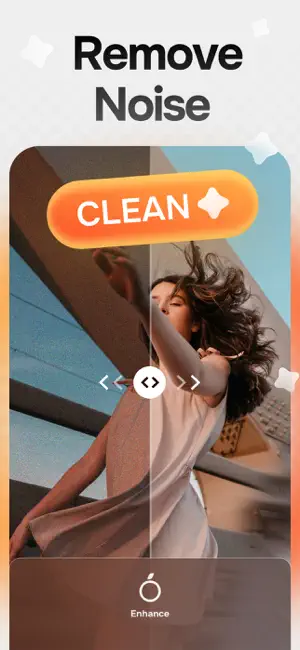
Citrus unblurs and sharpens images, reduces noise and upscales low-resolution photos, with a focus on results that still look natural.
- Unblur and sharpen
- Natural results
- Noise reduction
- Citrus Plus (weekly or yearly) removes watermarks and ads
 04
Unblur - AI Photo Enhancer
Anthony Durbin
Best for: Trying a few blurry photos for free
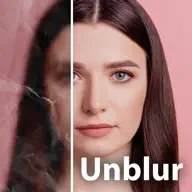
Unblur fixes blurry photos, upscales resolution, removes scratches and colorizes black-and-white photos. Its listing says the free version includes ads.
- Unblur and upscale
- Scratch removal
- Colorize old photos
- Includes ads; Premium (weekly, monthly or yearly) removes them
- 05
PhotoBoost - AI Photo Enhancer
SMART MEDIA INTERNET MARKETING LTD
Best for: Shaky-hand motion blur
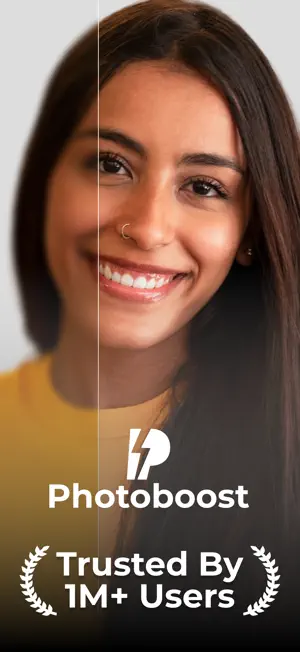
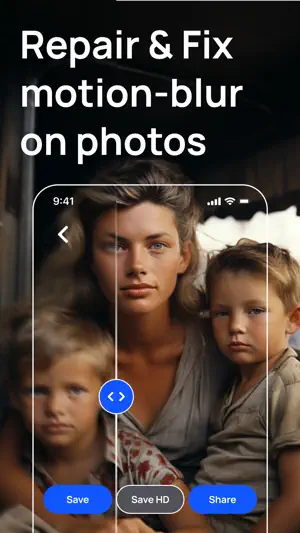
PhotoBoost says it reduces motion blur and brings out hidden detail, and can upscale photos for high-quality printing.
- Reduces motion blur
- Upscaling for prints
- Restores old photos
- Upscaling needs Premium or in-app credits
 06
BlurBuster - AI Photo Enhancer
LOUPERKOS INVESTMENTS LTD
Best for: Blurry photos that also need light or color fixes
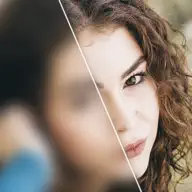
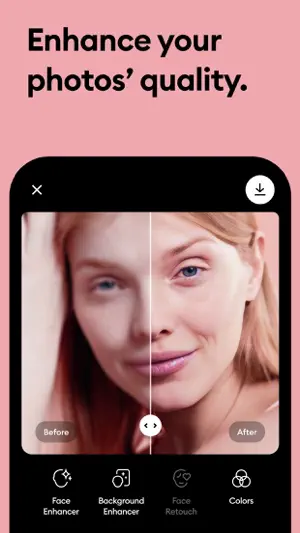
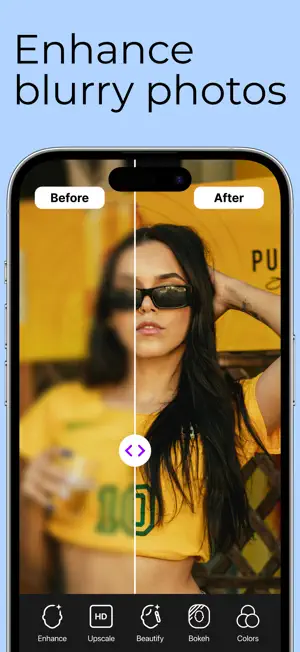
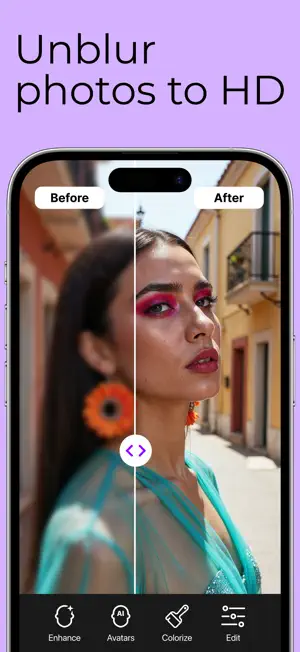
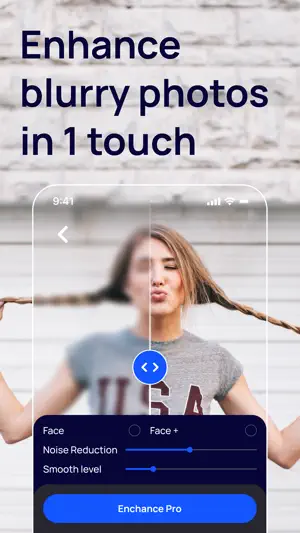
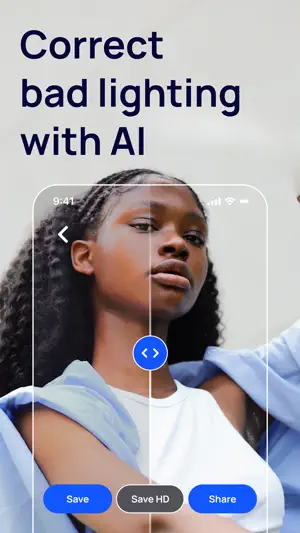
BlurBuster removes blur, sharpens, corrects lighting and colorizes in one tap, with a before and after view. Its listing says it works best when faces are clear and not too small.
- Blur removal and sharpening
- Light correction
- Before and after compare
- Works best on photos with large, visible faces
How we chose
- Removing blur is a main feature in the listing
- Ratings on the US App Store and how many people left them
- Updated in the last year
- What it costs to save a full-quality result, where the listing states it
Descriptions come from each app's own App Store listing. Ratings, prices and update dates are from the US App Store on Oct 29, 2026, and may have changed since. App icons and screenshots belong to their developers and are shown to help you recognize each app. Nobody paid to be in this guide.
Tips
- Check for a sharper frame
- If it is a Live Photo, open it in Photos, tap Edit, then the Live Photo button, and pick a sharper key photo from the moment.
- Try Sharpness first
- In Photos, tap Edit, then Adjust, and raise Sharpness or Definition a little. It helps slight softness without any app.
- Don't trust AI with text
- Unblur apps can invent letters and numbers. For documents, receipts or license plates, retake the photo instead.
Questions
Can the iPhone Photos app unblur a photo?
Not really. It has Sharpness and Definition sliders that help slight softness, but fixing real blur needs an AI app.
Can any app fix a very blurry photo?
AI apps can make it look sharp, but they guess the missing detail. Faces may come out looking slightly different from the real person.
Is it better to unblur or retake?
Retake whenever you can. Turn on the flash or find more light, hold the phone with both hands and tap the subject to focus.