Quick picks
The apps, compared
 01
Colorize - Color to Old Photos
Photomyne LTD
Best for: Colorizing with a single tap
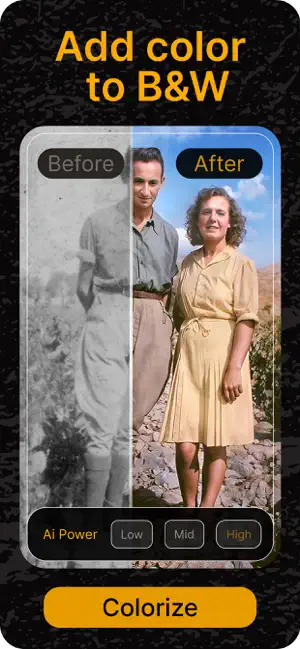
Colorize by Photomyne is built only for colorizing. Scan a black-and-white photo or pick one from your camera roll, and one tap adds color, according to its listing.
- Made just for colorization
- Scan or import
- Gallery of colorized photos
 02
FixMyPics - Restore Old Photos
LOUPERKOS INVESTMENTS LTD
Best for: Old prints that also need repair
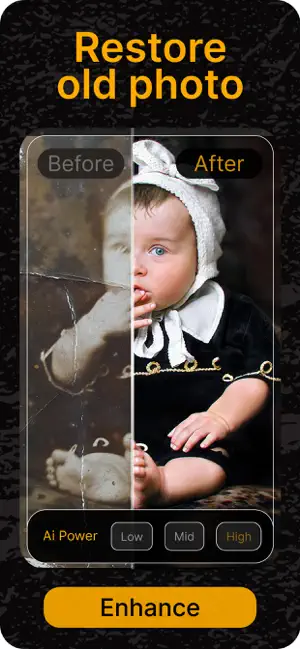
FixMyPics combines colorize, restore and scratch removal, so you can clean a faded black-and-white photo and then add color in the same app.
- Colorize and restore in one app
- Removes yellowing and noise
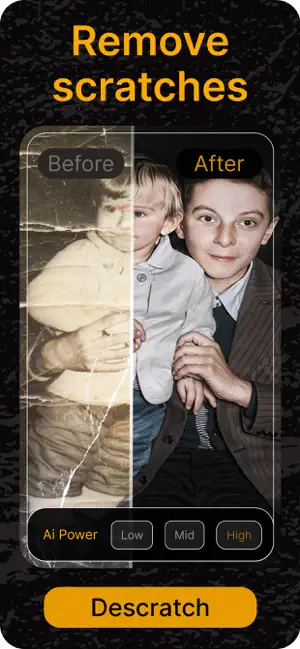
- Scratch removal
 03
RetroFix - Old Picture Restore
Denys Shevchenko
Best for: Black-and-white photos with damage
RetroFix restores faded, damaged or black-and-white photos and removes scratches, according to its listing.
- Works on black-and-white photos
- Damage and scratch repair






How we chose
- Colorization named as a main feature in the listing
- Ratings on the US App Store
- Whether it can also repair the photo before coloring it
Descriptions come from each app's own App Store listing. Ratings, prices and update dates are from the US App Store on Oct 29, 2026, and may have changed since. App icons and screenshots belong to their developers and are shown to help you recognize each app. Nobody paid to be in this guide.
Tips
- Repair before color
- Remove scratches and dust first. Colorization spreads color into damaged spots and makes them more visible.
- Check skin and clothes
- If a face looks too warm or clothing is clearly wrong, try a second app. Results differ more between apps than you might expect.
Questions
Are the colors accurate?
They are a best guess. AI picks likely colors, so skin and sky are usually close, while clothes, cars and walls may not match the real colors.
Can I colorize a photo for free?
Most colorization apps let you try for free and charge for full-quality saves or unlimited use. Check the in-app purchases on each App Store page.