Quick picks
 Best for full App Store setsPicasso App Screenshot Studio
 Best for App Store and Google PlayScreenshot Studio
 Best for quick device framesMockup & Demo Maker
 Best for video mockupsMockview
The apps, compared
- 01
Picasso App Screenshot Studio
ASO Ventures LLC
Best for: A complete App Store screenshot set, uploaded for you
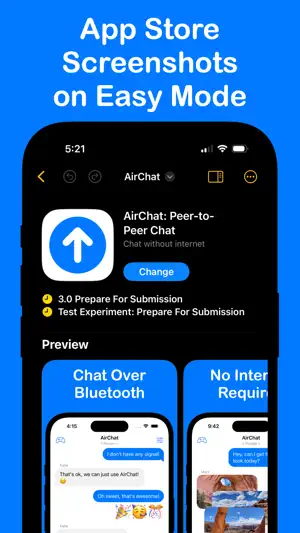
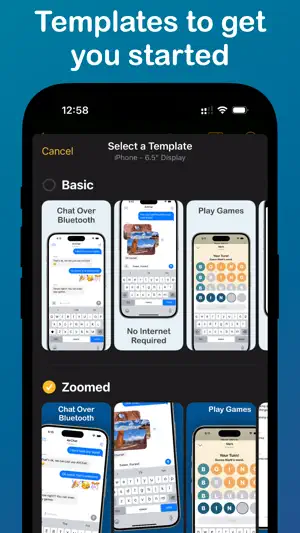
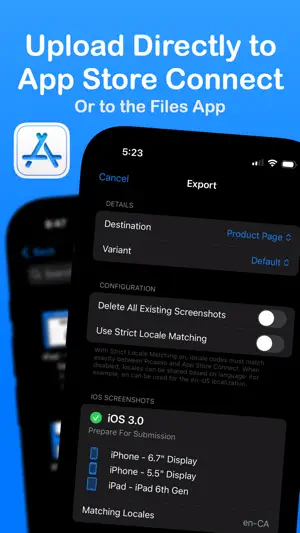
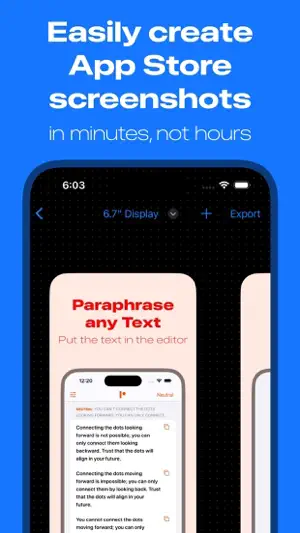
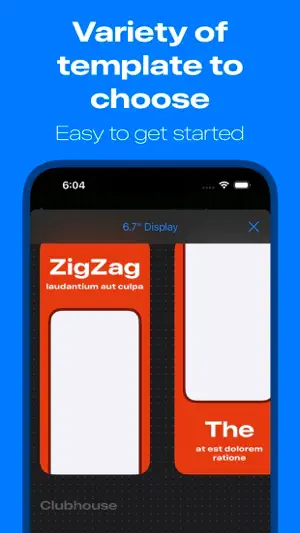
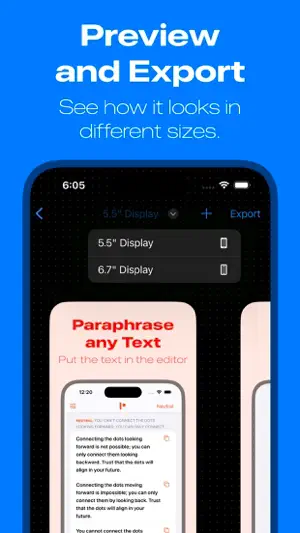
Picasso frames screenshots in more than 40 devices, offers templates and a drag-and-drop editor, and previews how they will look in the App Store. Link an App Store Connect API key and it uploads the set directly. It runs on iPhone, iPad and Mac.
- 40+ device frames
- Preview as it appears in the App Store
- Uploads straight to App Store Connect
- 02
Screenshot Studio - App Mockup
Sarun Wongpatcharapakorn
Best for: Apps released on both the App Store and Google Play
Screenshot Studio builds captioned screenshots from templates, translates the text with AI and exports every size the App Store and Google Play ask for. It can also upload directly to the App Store.
- App Store and Google Play sizes
- AI translation of captions
- Direct upload to the App Store
- 03
Mockup & Demo Maker: Screeny
Lazare Kolebka
Best for: Framing a screenshot in seconds
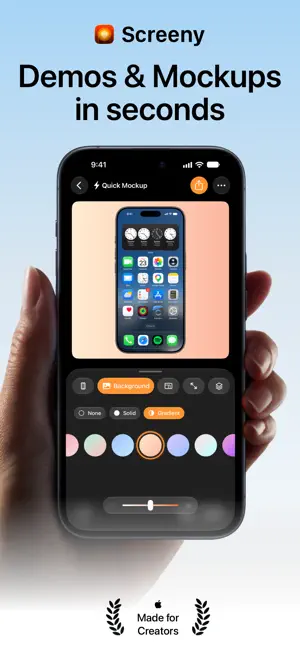
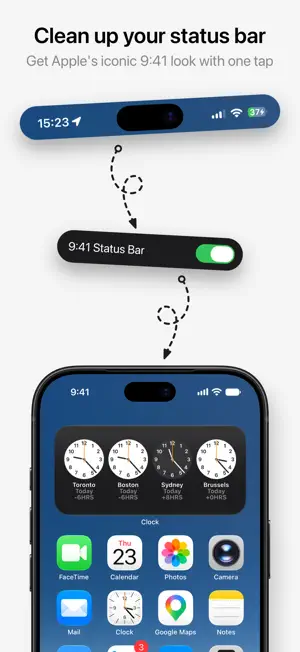
Screeny puts a screenshot or screen recording in a 2D or 3D device frame and cleans up the status bar automatically. You can import up to 10 screenshots, style them together and export the set in one tap.
- Clean status bar, automatically
- Batch of up to 10 screenshots
- No watermark
- Paid as a credit pack, monthly, yearly or lifetime
- 04
Mockview - Mockup Generator
Balaji Venkatesh
Best for: App demo videos and animated mockups
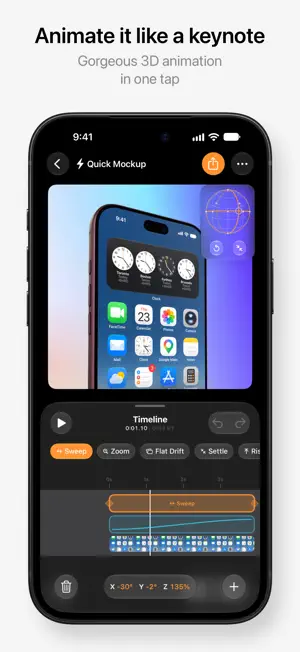
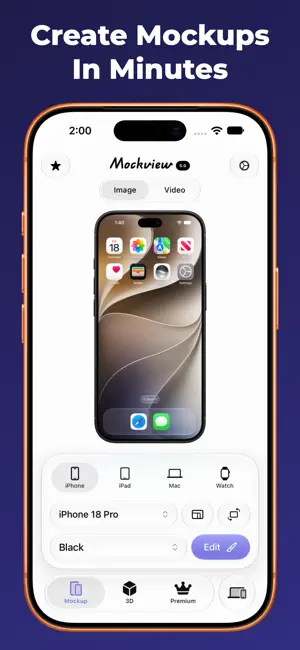
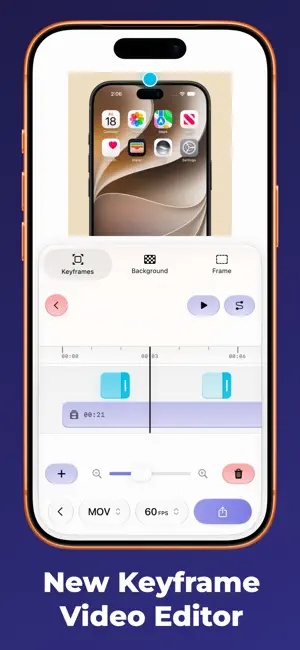
Mockview wraps screenshots and screen recordings in Apple device frames, with keyframes for zoom and pan, 3D angles and an artboard to place several devices and text together.
- Video mockups with zoom and pan
- 3D device mockups
- Artboard with text
 05
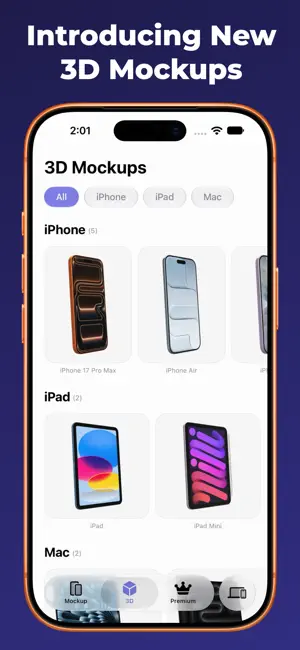
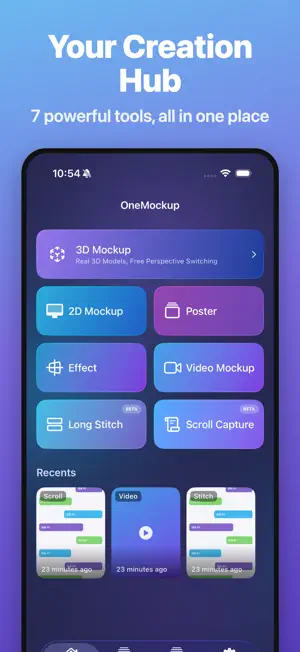
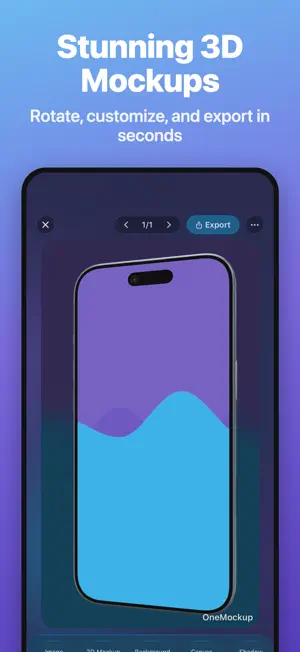
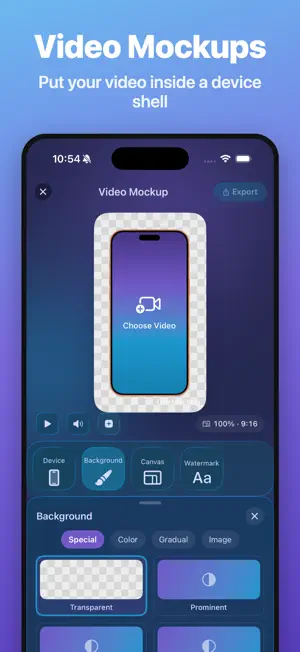
OneMockup - Make Custom Mockup
Chengdu Reinvent Technology Co., Ltd.
Best for: 3D and video mockups for launches
OneMockup makes 2D and 3D device mockups and video presentations from screenshots and screen recordings, with templates, batch processing and transparent PNG export.
- 2D, 3D and video mockups
- Batch processing
- Transparent PNG export
- Full access is an auto-renewing subscription
 06
Screenly - Mockup Screenshots
Jem Alvarez
Best for: Detailed control over every element
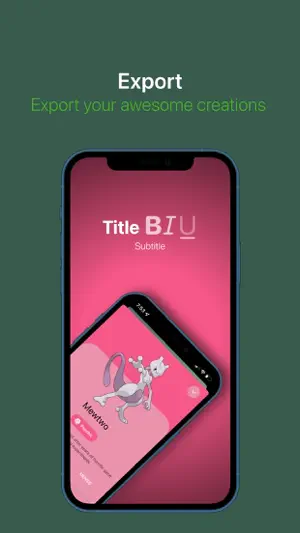
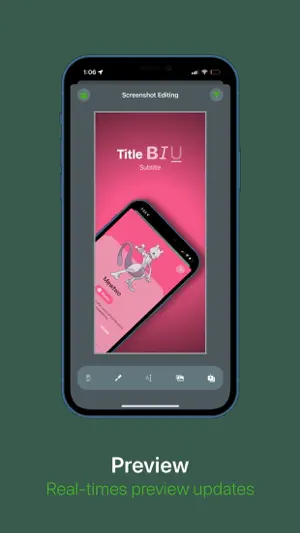
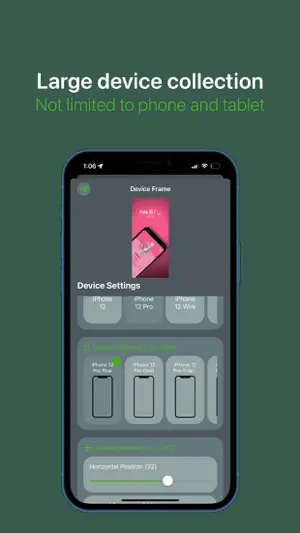
Screenly lets you adjust the device's position, scale, rotation and shadow, and add titles and subtitles with SF Symbols over gradients or your own background. It exports App Store sizes.
- Fine control of layout and labels
- Many device types
- Transparent PNG export
- Check its export sizes against what App Store Connect asks for today
How we chose
- The listing says it makes App Store screenshots or device mockups
- Updated in the last year, since new devices need new frames
- Store export sizes, captions and translation where the listing states them
- Ratings on the US App Store, which are few in this category
Descriptions come from each app's own App Store listing. Ratings, prices and update dates are from the US App Store on Oct 29, 2026, and may have changed since. App icons and screenshots belong to their developers and are shown to help you recognize each app. Nobody paid to be in this guide.
Tips
- Lead with the first three
- In App Store search results, people see your first few screenshots before they open your page. Put your strongest benefit in the first one.
- Short captions win
- Use a few words per caption that say what the user gets, not the feature name. Captions must stay readable on a small phone.
- Translate the captions
- Localized screenshots help in other markets. Apps that translate captions save you rebuilding the set for each language.
Questions
What screenshot sizes does the App Store need?
Apple lists the required sizes in its screenshot specifications. You upload screenshots for the largest iPhone size and, if your app runs on iPad, the largest iPad size, and Apple scales them for smaller devices.
How many screenshots can I upload?
Up to 10 per device size and language in App Store Connect.
Can I make App Store screenshots on my iPhone alone?
Yes. The apps here frame, caption and export on the phone, and some upload straight to App Store Connect.
Sources: Apple: screenshot specifications